Data
The geosynth command-line tool offers a convenient way of
downloading the geosynth dataset.
Attention! Currently only the demo variant is available, the full dataset and additional datatypes will be released in the near future.
To download all non-hdr dataset, run:
geosynth download non-hdr --variant=full
If you also wish to include HDR data, specify all, instead.
The HDR data more than doubles the size of the download, so only download it if you need it.
It is recommended to only specify the data types you need.
To download just a few scenes of the dataset, download the demo variant.
The demo variant is the default --variant option:
geosynth download non-hdr --variant=demo
By default, the contents will be downloaded to ~/data/geosynth/.
To specify an alternative download location, specify the --dst argument.
See all download options by running geosynth download --help:
$ geosynth download --help

Usage: geosynth download [OPTIONS] DTYPES...

 Download the GeoSynth data.

╭─ Arguments ──────────────────────────────────────────────────────────────────────────╮
│ *    dtypes      DTYPES...  Assets to download. Either specify "non-hdr", "all", or  │
│                             a subset of: [cube_environment_map, depth, extrinsics,   │
│                             gravity, hdr_cube_environment_map, hdr_reflectance,      │
│                             hdr_residual, hdr_rgb, hdr_shading,                      │
│                             hdr_sphere_environment_map, instance_segmentation,       │
│                             intrinsics, layout_lines_full, layout_lines_occluded,    │
│                             layout_lines_visible, lighting, normals, reflectance,    │
│                             residual, rgb, semantic_segmentation, shading,           │
│                             sphere_environment_map]).                                │
│                             [required]                                               │
╰──────────────────────────────────────────────────────────────────────────────────────╯
╭─ Options ────────────────────────────────────────────────────────────────────────────╮
│ --dst                        PATH         GeoSynth download directory.               │
│                                           [default: ~/data/geosynth]                 │
│ --variant                    [demo|full]  Variant of dataset to download.            │
│                                           [default: demo]                            │
│ --force      --no-force                   Force a re-download, despite locally       │
│                                           cached files.                              │
│                                           [default: no-force]                        │
│ --cleanup    --no-cleanup                 Delete zip files after unzipping.          │
│                                           [default: cleanup]                         │
│ --help                                    Show this message and exit.                │
╰──────────────────────────────────────────────────────────────────────────────────────╯
Once downloaded, it's recommend to access data in the following manner:
from geosynth import GeoSynth

geosynth = GeoSynth("PATH_TO_DATA")  # or leave empty for default "~/data/geosynth/".

print(f"GeoSynth has {len(geosynth)} scenes.")

scene = geosynth[100]  # Data can be accessed via indexing like a list.

# or iterated over in a for loop:
for scene in dataset:
    # Each Scene object contains attributres for each datatype.
    # Contents can be read from disk via the ``read`` method.
    rgb = scene.rgb.read()  # (H, W, 3) np.ndarray
    depth = scene.depth.read()  # (H, W) np.ndarray
    intrinsics = scene.intrinsics.read()  # (3, 3) camera intrinsics
    instances = scene.instance_segmentation.read()  # dictionary of instance masks.

    # many datatypes have a ``visualize`` method
    depth_viz = scene.depth.visualize(depth)  # Returns a (H,W,3) turbo-colorized image.
    instances_viz = scene.instance_segmentation.visualize(instances, rgb=rgb)
In python snippets below, the scene variable in this example will be referenced.
When data involves a coordinate system, GeoSynth abides by the following right-hand convention:
Label |
Direction |
|---|---|
+X |
Right |
+Y |
Down |
+Z |
Forward |
Images in subsequent sections represent visualizations and may not be a direct representation of the data itself.
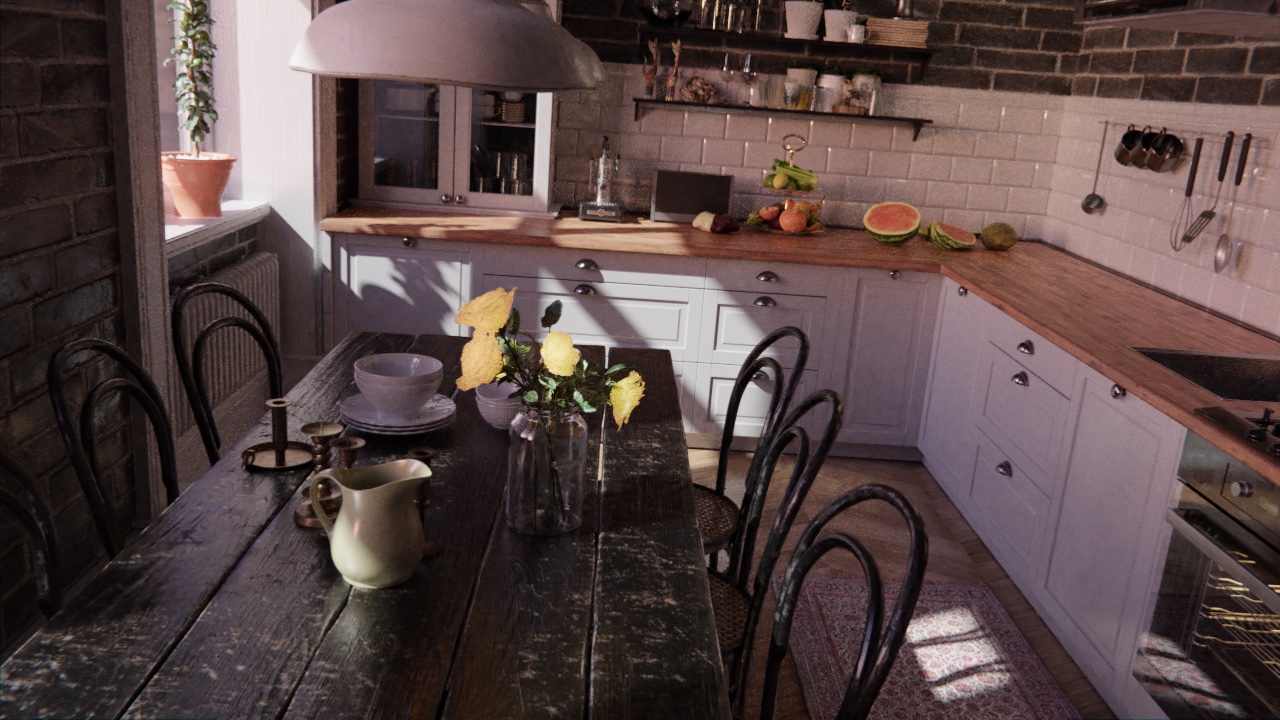
rgb
Image of the scene in RGB-channel order.
Data is a uint8 numpy array of shape (720, 1280, 3).
hdr_rgb
High dynamic range version of rgb.
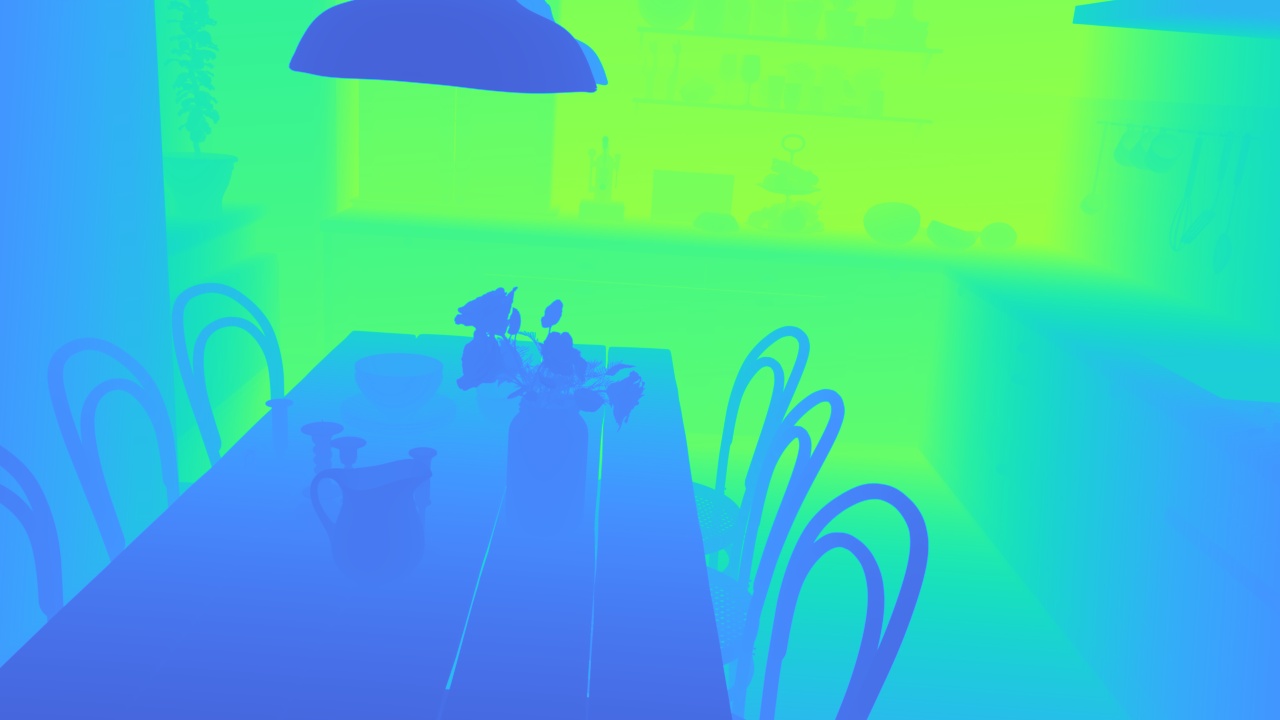
depth
Depthmap of the scene in meters.
Data is a float32 numpy array of shape (720, 1280).
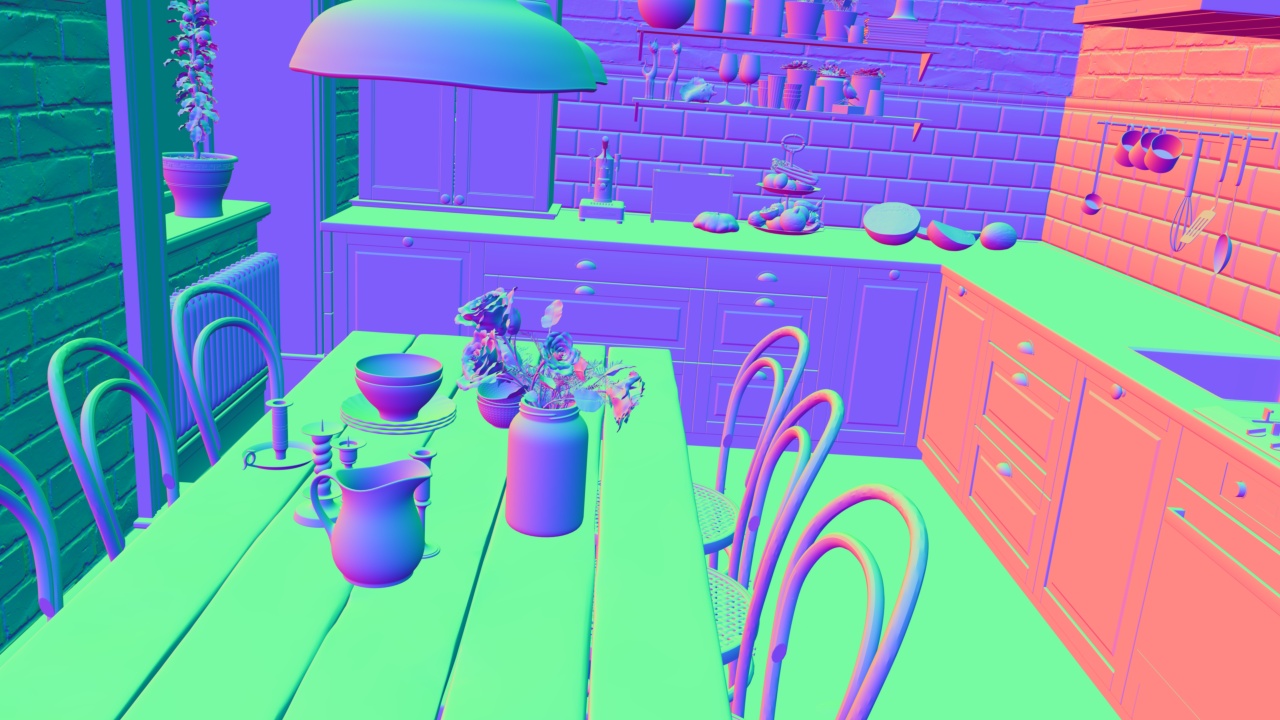
normals
Surface normals of the scene.
Data is a float32 numpy array of shape (720, 1280, 3).
Each pixel represents a unit-norm (x, y, z) vector pointing away from the camera.
intrinsics
Standard (3, 3) camera intrinsics.
array(
    [
        [1.0319166e03, 0.0000000e00, 6.4000000e02],
        [0.0000000e00, 1.0319166e03, 3.6000000e02],
        [0.0000000e00, 0.0000000e00, 1.0000000e00],
    ],
    dtype=float32,
)
gravity
A unit-norm float32 numpy array of shape (3).
Points in the direction of gravity, and will typically agree with floor surface normals.
Usually, gravity will be mostly +Y component.
array([-0.07105822, 0.9611216, 0.26682544], dtype=float32)
semantic_segmentation
GeoSynth semantic classes are an extension of NYU40 labels.
A tuple of these strings exists at scene.semantic_segmentation.CLASSES.
For clarity, the classes and their indices are reproduced here:
Index |
Label |
Index |
Label |
Index |
Label |
|---|---|---|---|---|---|
0 |
unknown |
16 |
curtain |
32 |
night stand |
1 |
wall |
17 |
dresser |
33 |
toilet |
2 |
floor |
18 |
pillow |
34 |
sink |
3 |
cabinet |
19 |
mirror |
35 |
lamp |
4 |
bed |
20 |
floor mat |
36 |
bathtub |
5 |
chair |
21 |
clothes |
37 |
bag |
6 |
sofa |
22 |
ceiling |
38 |
otherstructure |
7 |
table |
23 |
books |
39 |
otherfurniture |
8 |
door |
24 |
refrigerator |
40 |
otherprop |
9 |
window |
25 |
television |
41 |
plant |
10 |
bookshelf |
26 |
paper |
42 |
doorframe |
11 |
picture |
27 |
towel |
43 |
windowframe |
12 |
counter |
28 |
shower curtain |
44 |
baseboard |
13 |
blinds |
29 |
box |
45 |
lighton |
14 |
desk |
30 |
whiteboard |
46 |
lightoff |
15 |
shelves |
31 |
person |
47 |
curtainrod |
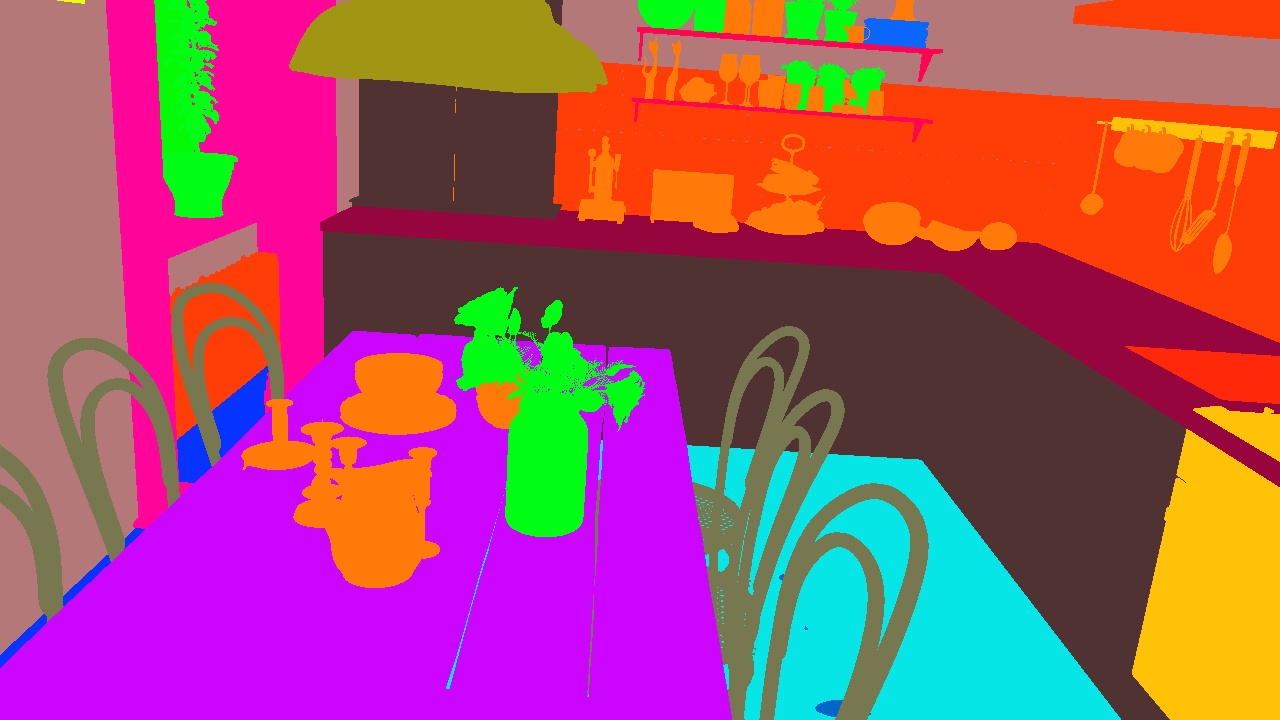
instance_segmentation
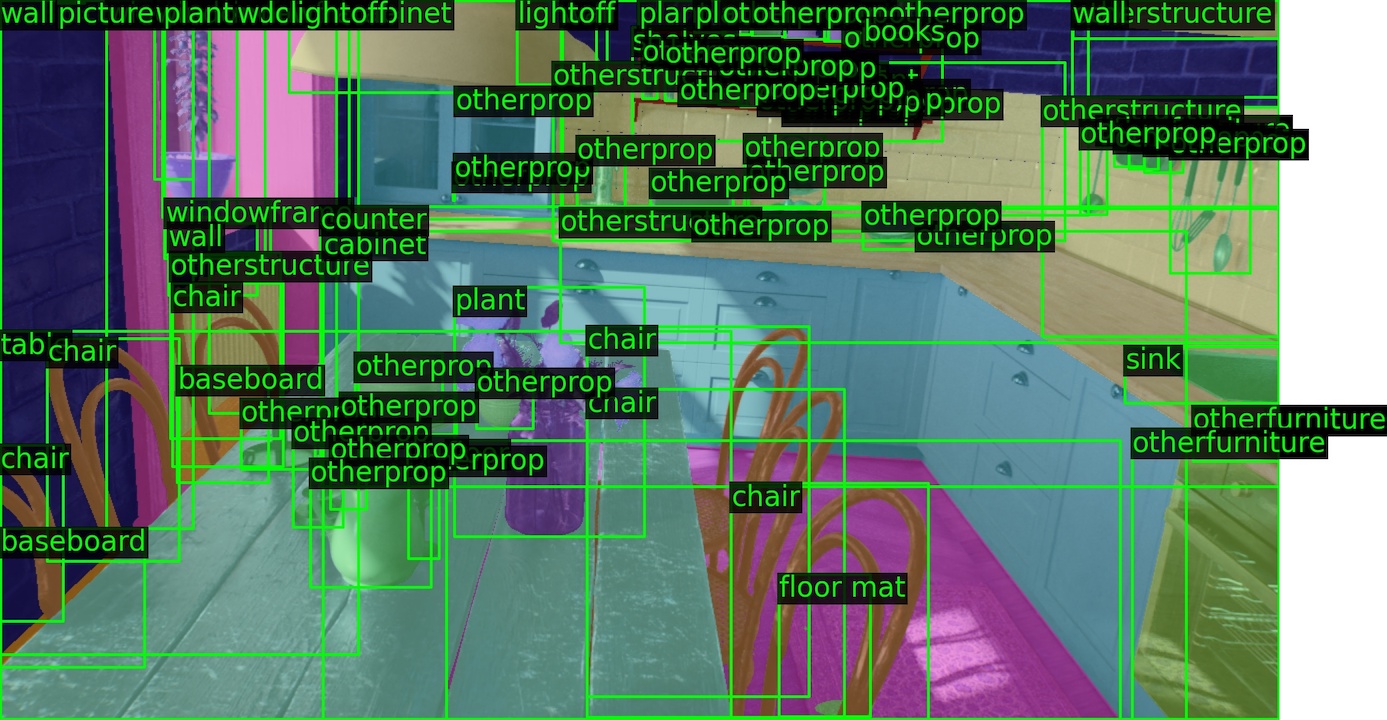
Instance segmentation masks with same labels as semantic_segmentation.
Data is represented as a dictionary, mapping the string labels (like "chair")
to (N, H, W) boolean numpy masks, where N is the number of those instances in the scene.
If bounding boxes are needed, see functions geosynth.instance_bbox and geosynth.instance_segmentation_bboxes.
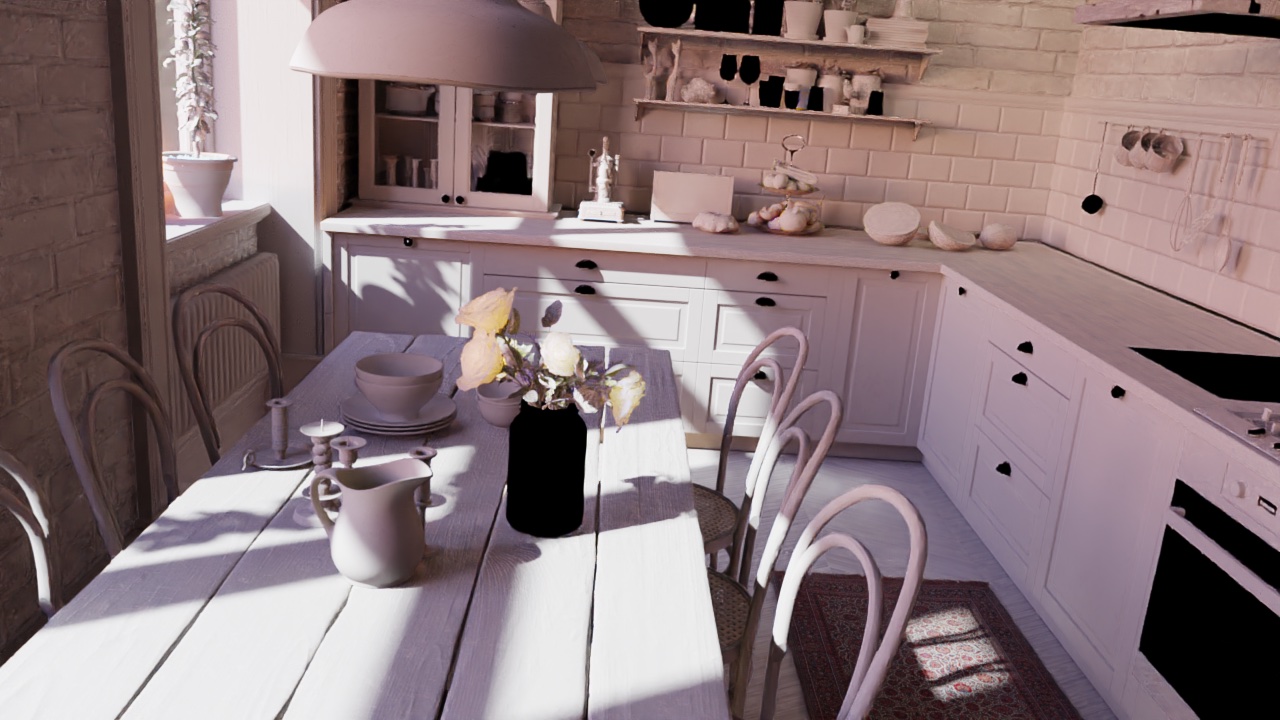
shading
Intrinsic image decomposition component that represents elements coming from direct lighting.
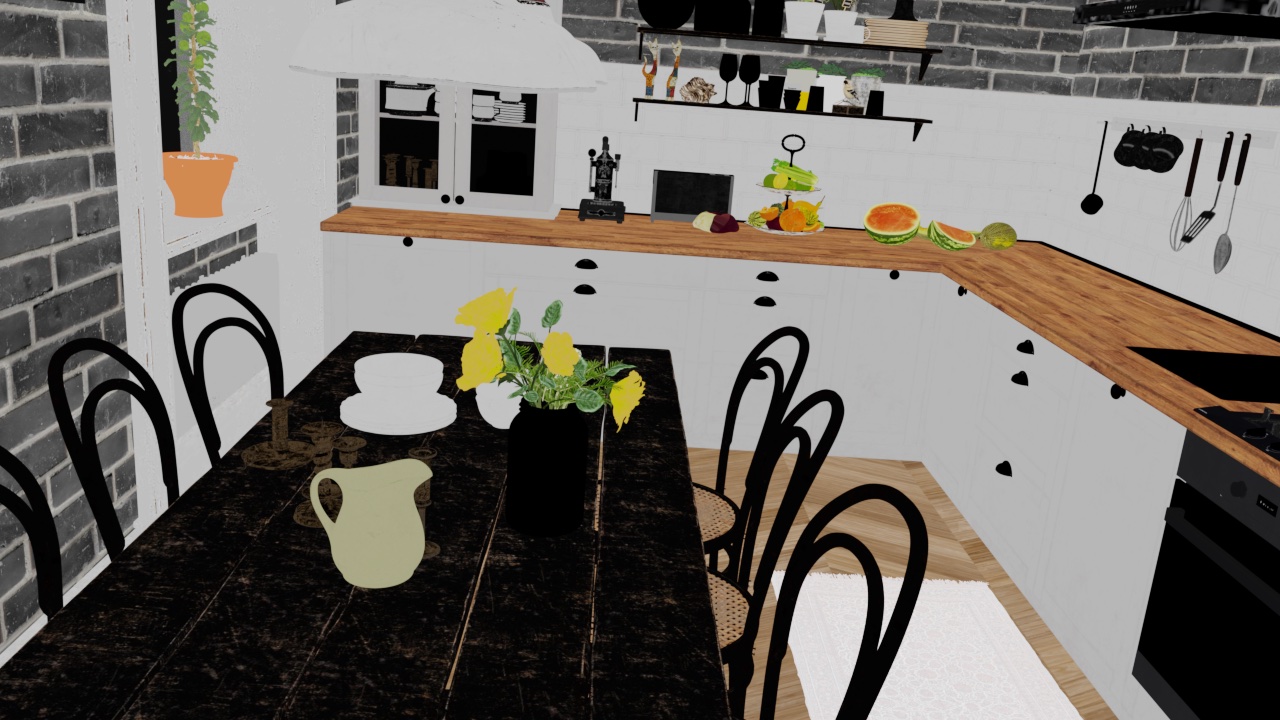
reflectance
Intrinsic image decomposition component that represents the intrinsic color of the surface (i.e. albedo).
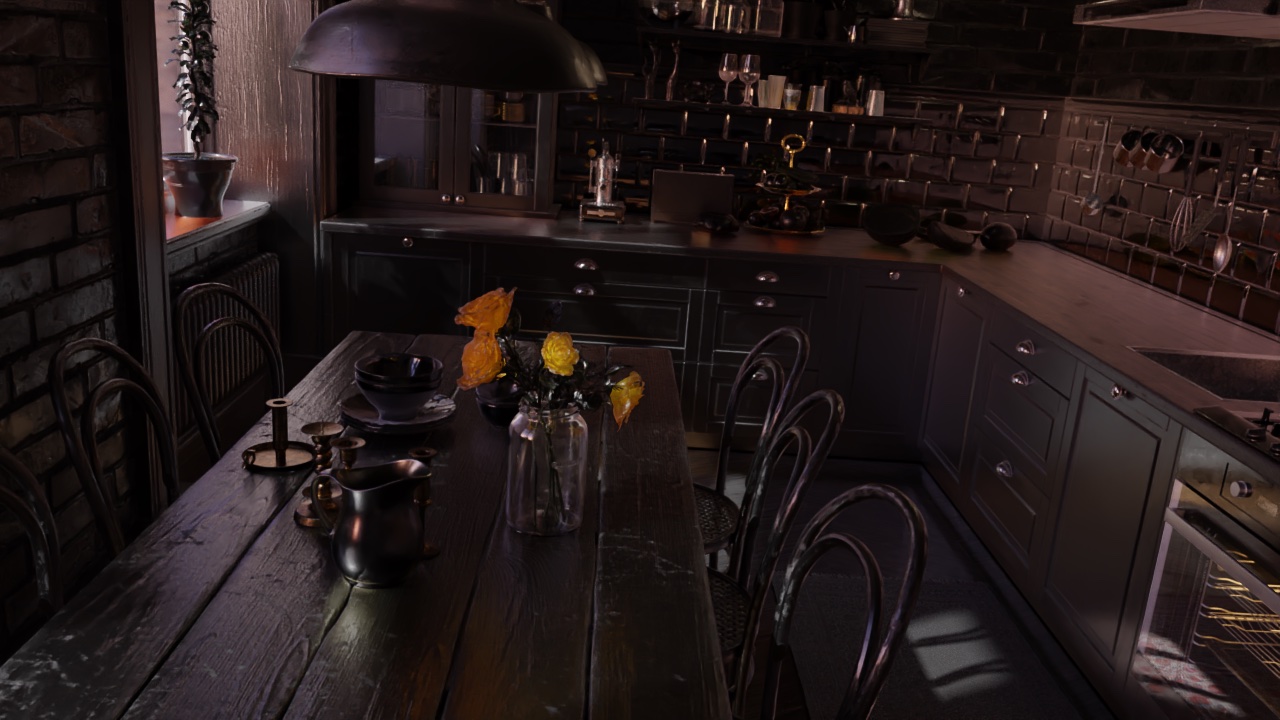
residual
Intrinsic image decomposition component that represents elements coming from indirect lighting.
hdr_shading
High dynamic range version of shading.
hdr_reflectance
High dynamic range version of reflectance.
hdr_residual
High dynamic range version of residual.